 Open Muse
Features
Get started
中文
★ Star42
Open Muse
Features
Get started
中文
★ Star42
Open Muse
Features
Get started
中文
★ Star42
Open Muse
Features
Get started
中文
★ Star42
It remembers, follows up, and works for you — on your iPhone or Android phone, on your Mac, and on a cloud computer that keeps going after you close the app.
Free, with the source on GitHub. Needs a Volcano Ark API key with Managed Agents.
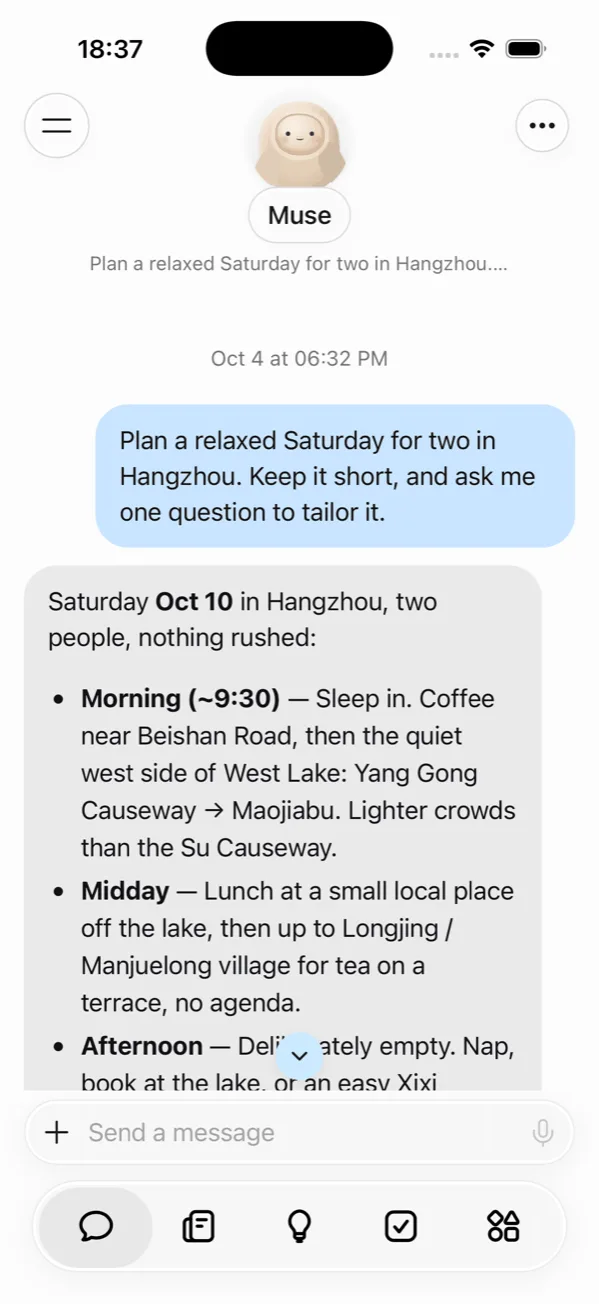
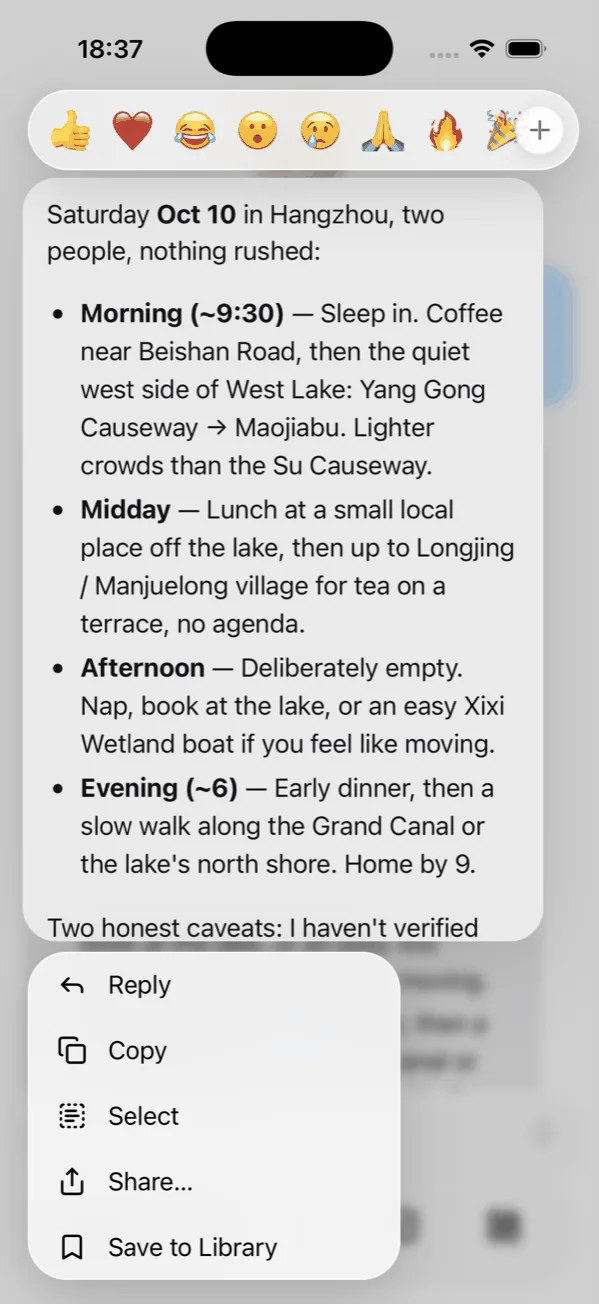
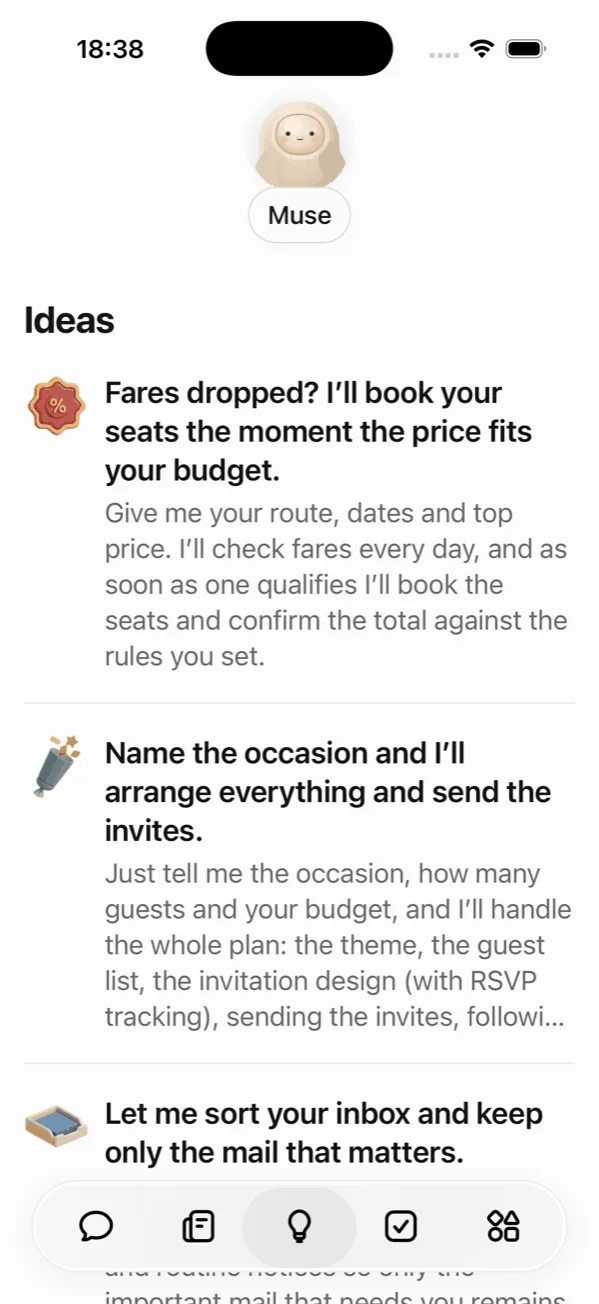
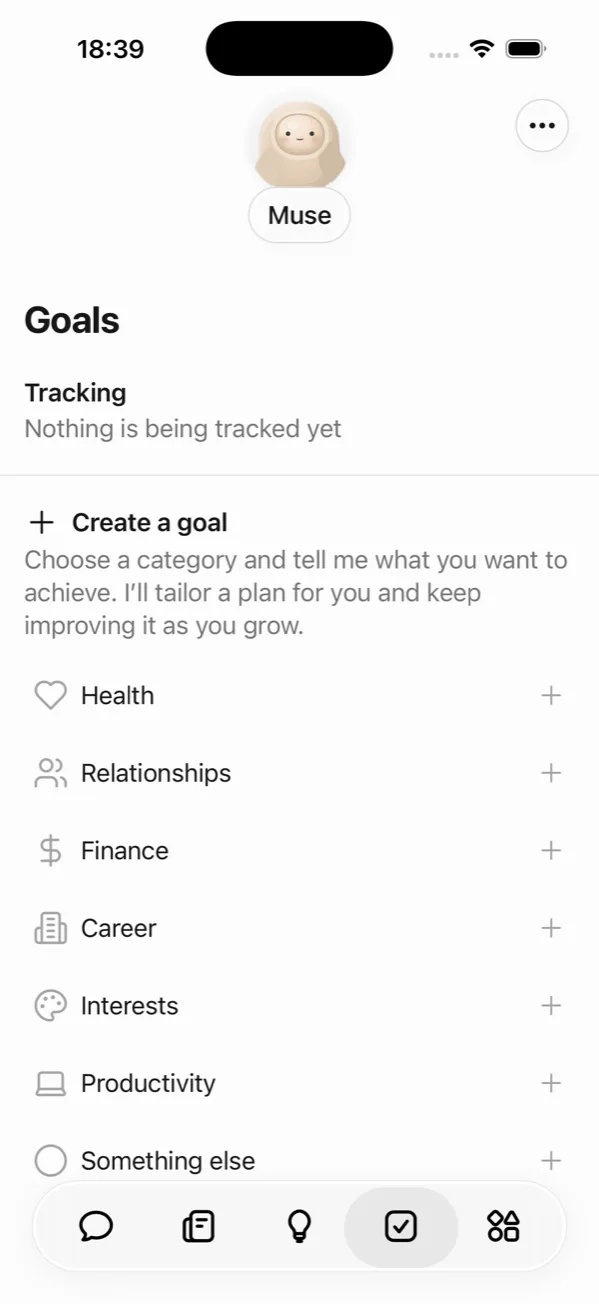
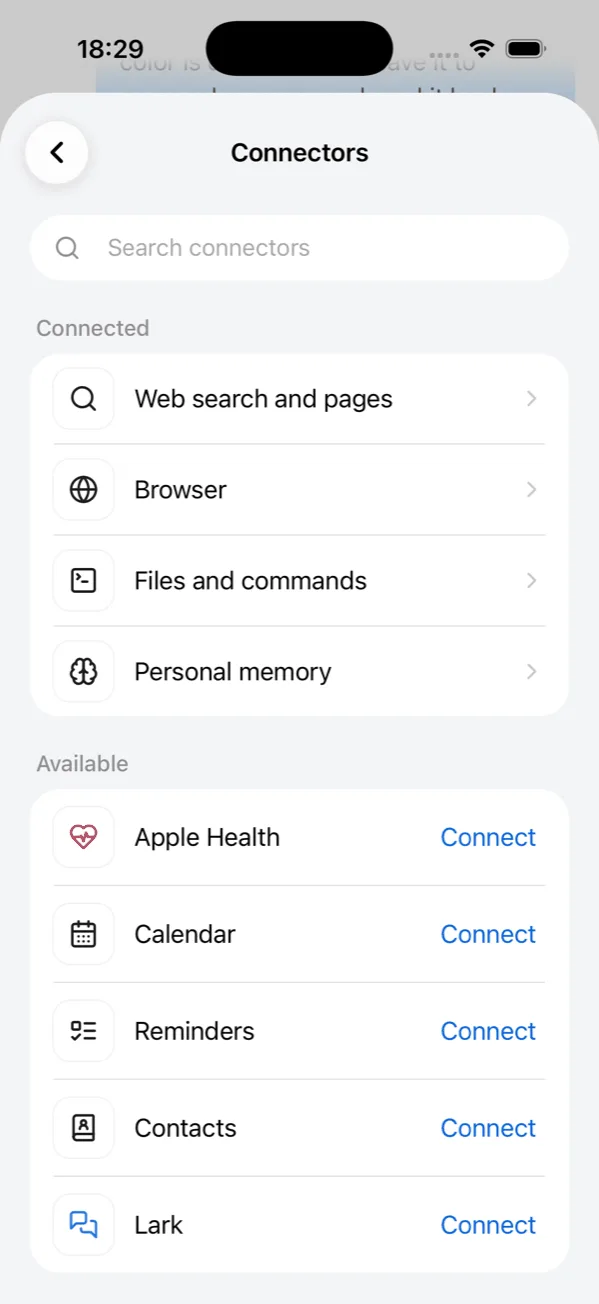
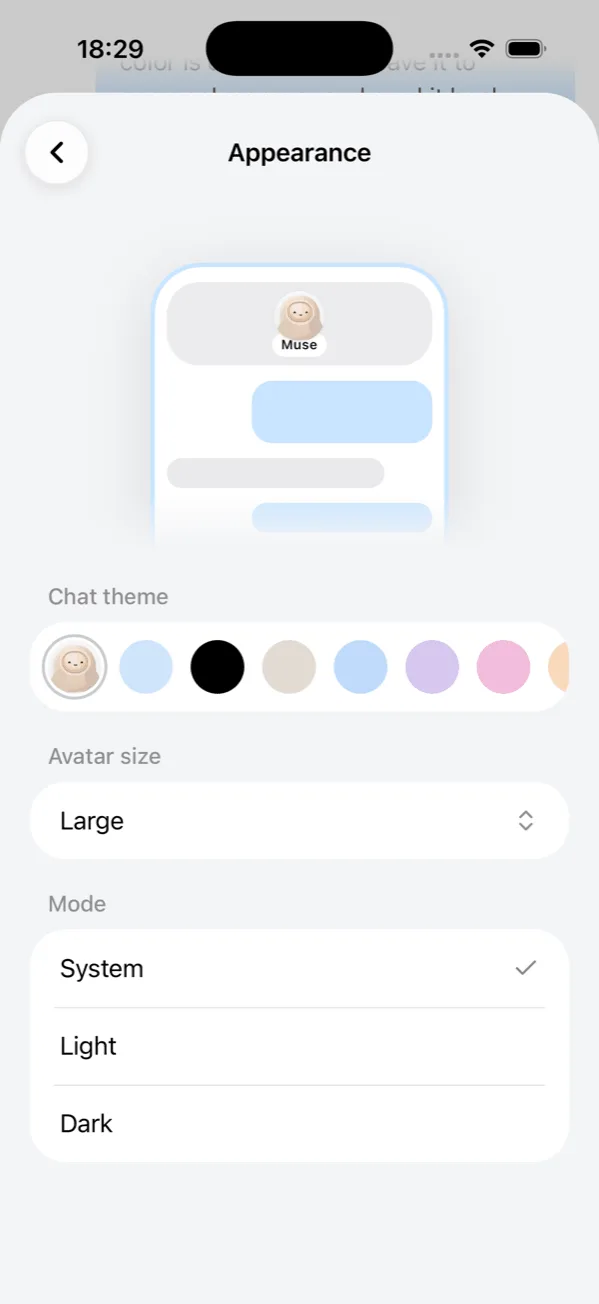
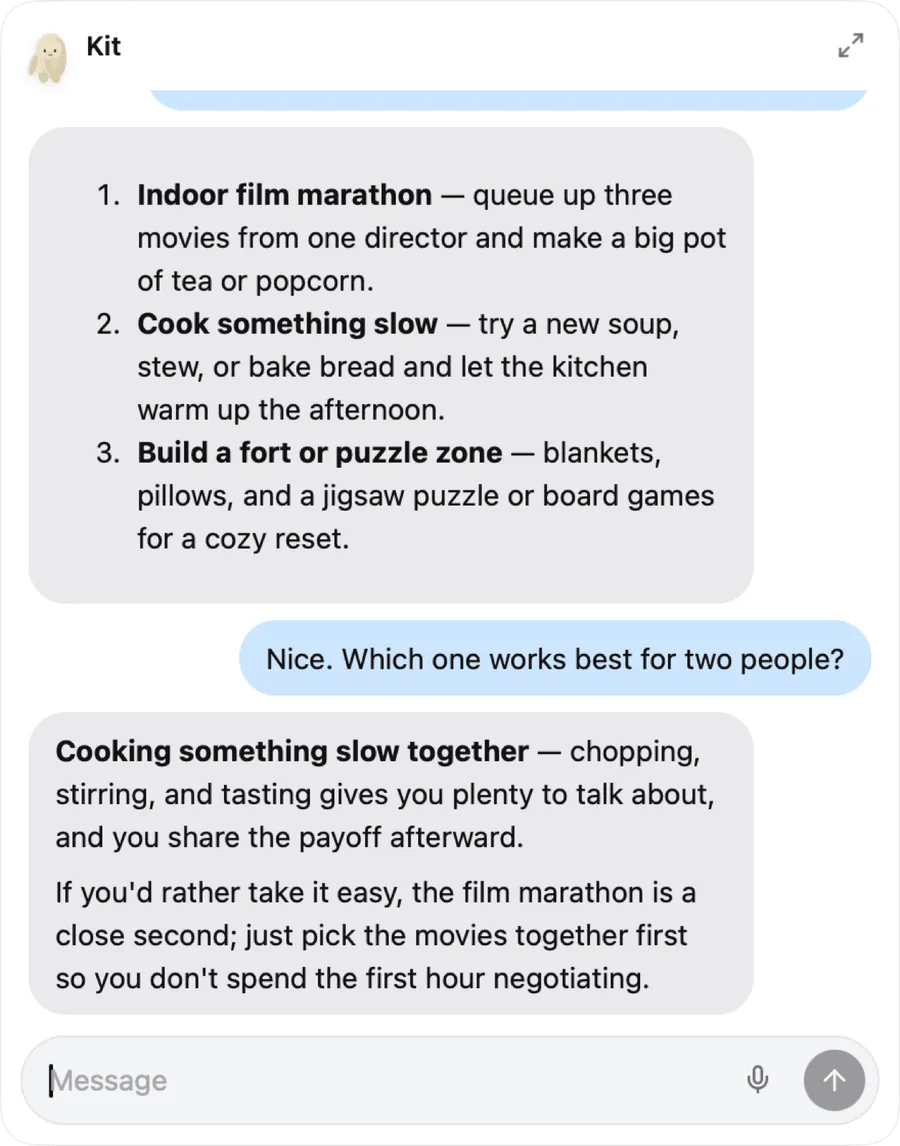
One assistant across your devices. Conversations, memory, goals, and reminders follow your Open Muse account.
Ask “how did I sleep this week?” and it reads Apple Health on your iPhone, or Health Connect on Android, right then — steps, workouts, sleep, heart rate, weight. It never makes up a number it could not read.
With your permission it looks at the screen, opens apps and files, clicks, types, and scrolls — in any app. Every action waits for your approval unless you allow it ahead of time.
Sign in once, then ask in plain language: brief me before my next meeting, turn today's group chat into tasks, write up yesterday's meeting notes.
Each workspace has its own sandbox with web search, a real browser, a terminal, and files. Hand over a task, close the app, and the result is waiting when you come back.
Keeps what matters in memory you can read and edit, turns goals into plans and checks in on them, and reminds you once, daily, weekly, or monthly.
Morning updates on the topics you choose, each with a source, and ready-made tasks drawn from your goals and recent conversations.
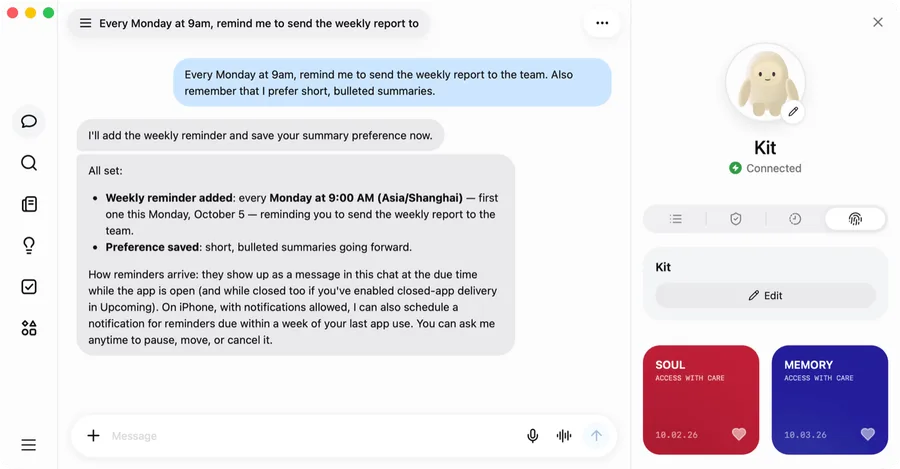
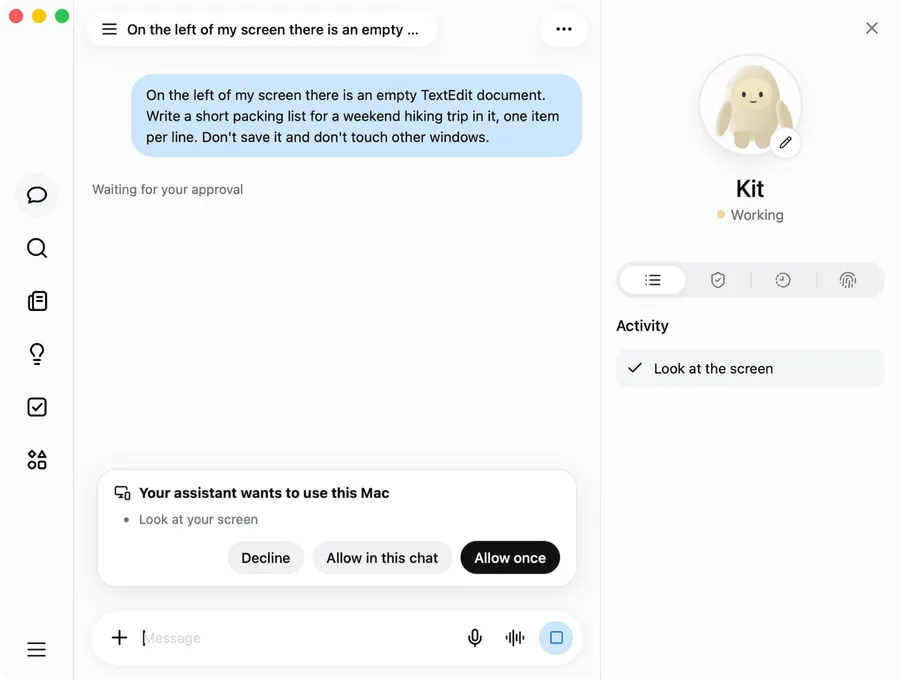
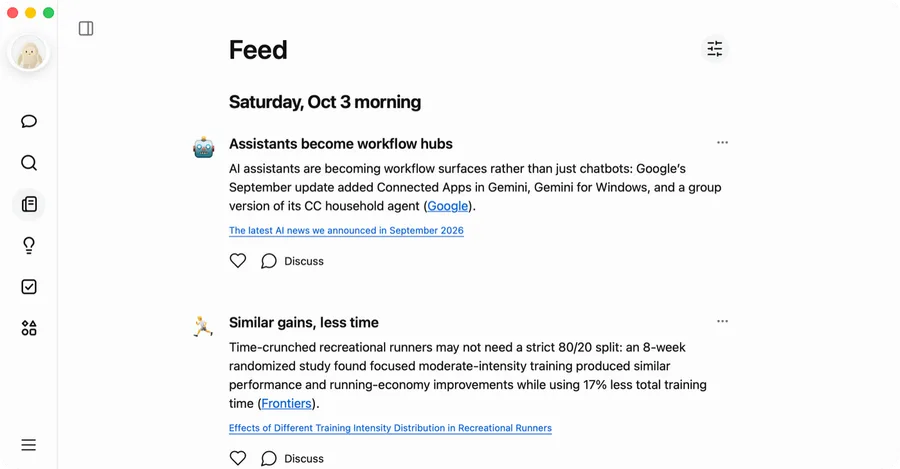
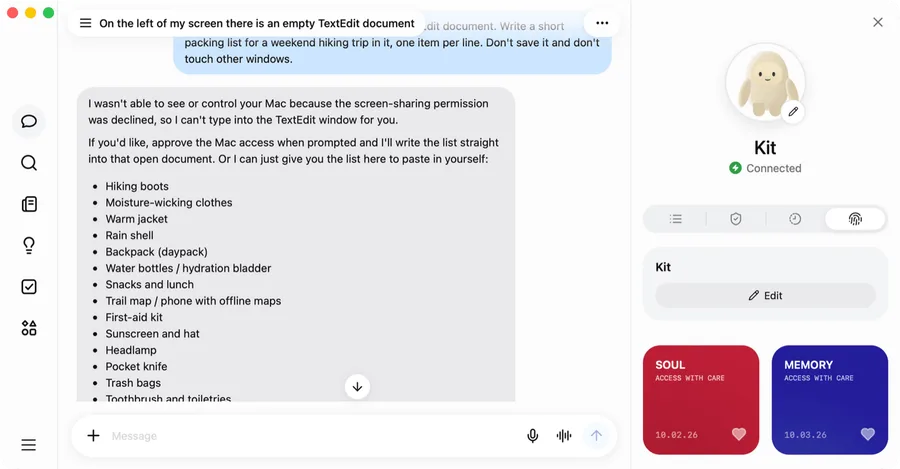
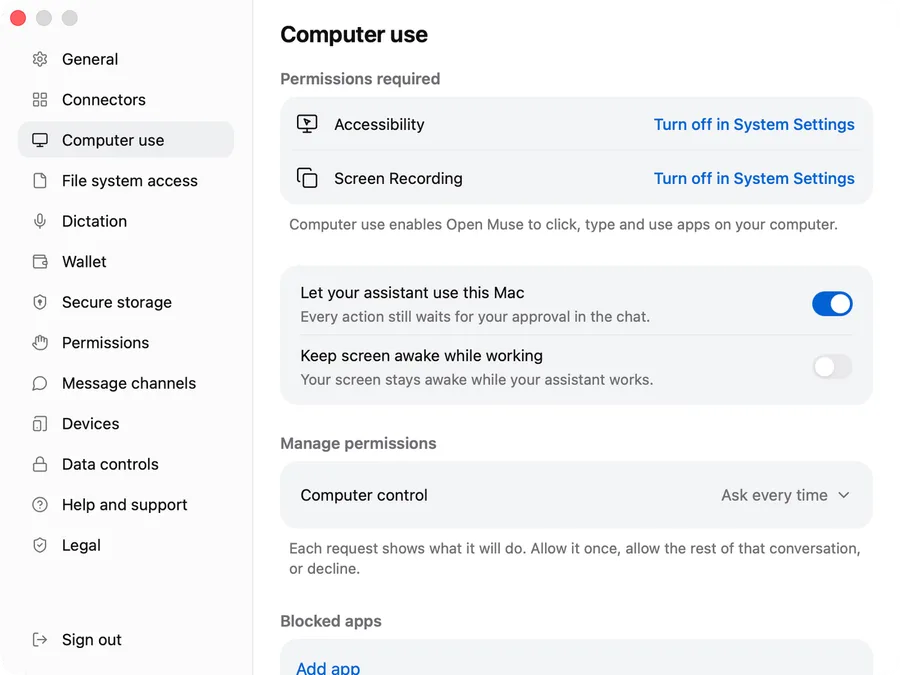
Using your Mac or reading your health data waits for your OK unless you allow it ahead of time. Calendar and location ask every time.
Without a working connection the app says so. It never generates a simulated reply.
The apps call Volcano Ark directly with your own API key, stored encrypted for your account. Accounts sharing a key still get separate workspaces and memory.
Your assistant's name, persona, and remembered facts are plain documents you can open, edit, or clear.
Everything in Open Muse — the iPhone, Android, Mac and web apps and the service behind them — is open source at github.com/chyroc/open-muse. If it is useful to you, a star helps more people find it.
Join the public beta on TestFlight, register with an email and password, then connect your Volcano Ark API key in Settings.
Download the app (version 0.2.0, 11.8 MB) and open it to install; Android asks you to allow installs from your browser the first time. It needs Android 9 or later, and Android 14 or later for Health Connect. The download comes from a server near you; you can also pick mainland China or global.
SHA-256 3802949ecfcd47f956230c0f752a2698f79c46ae7ca5c023f84cb1b7b6fc4713
Download the app (version 0.2.0, 1.4 MB), open the disk image, and drag Open Muse to Applications. It is signed and notarized by Apple, and runs on macOS 14 or later on Apple silicon and Intel Macs. The download comes from a server near you; you can also pick mainland China or global.
SHA-256 92cf7b8c488db294610f12128f7c5edb7395d5f106a3cc1b2d3bea3416f701d2
Build it from the source on GitHub; the development guide covers it.
The apps are free. Model and cloud usage is billed to the Volcano Engine account that owns your API key.