 Open Muse
Features
Get started
中文
★ Star96
Open Muse
Features
Get started
中文
★ Star96
It remembers, follows up, and works for you — on your iPhone or Android phone, on your Mac, and on a cloud computer that keeps going after you close the app.
Free, with the source on GitHub. Needs a Volcano Ark API key with Managed Agents.
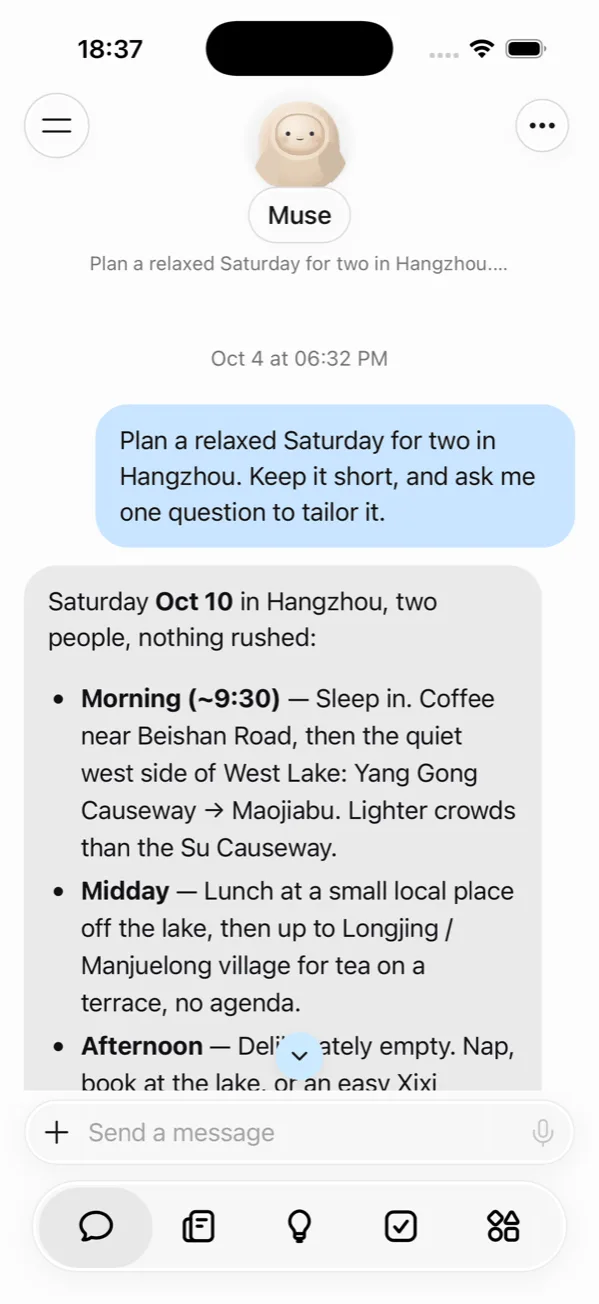
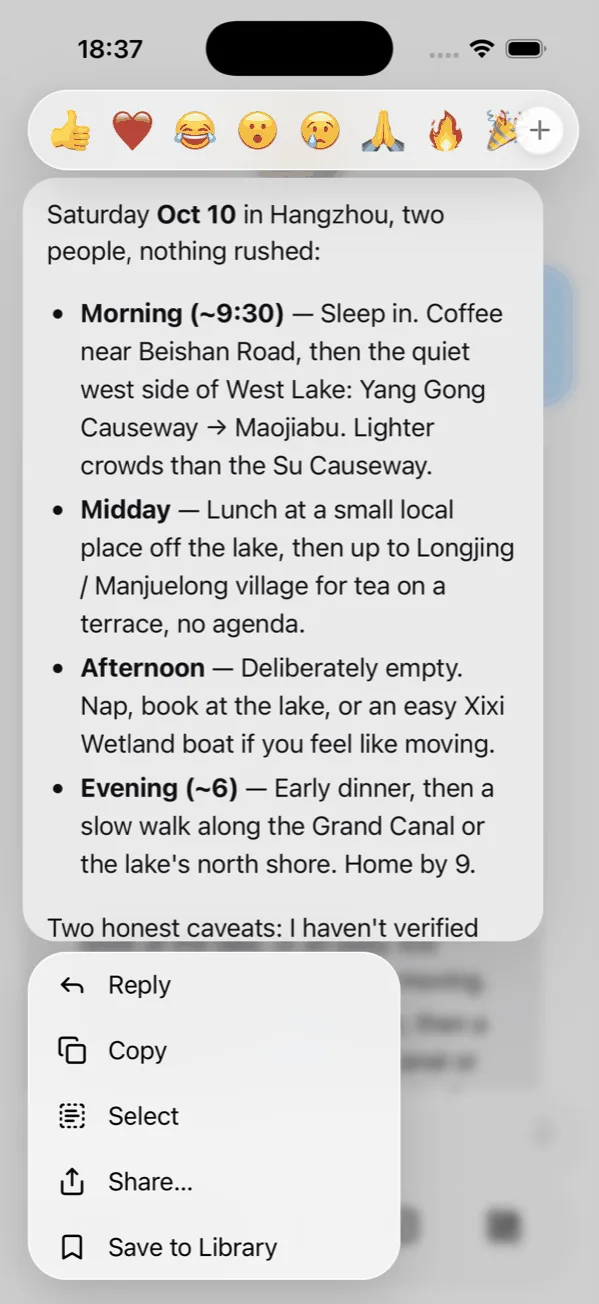
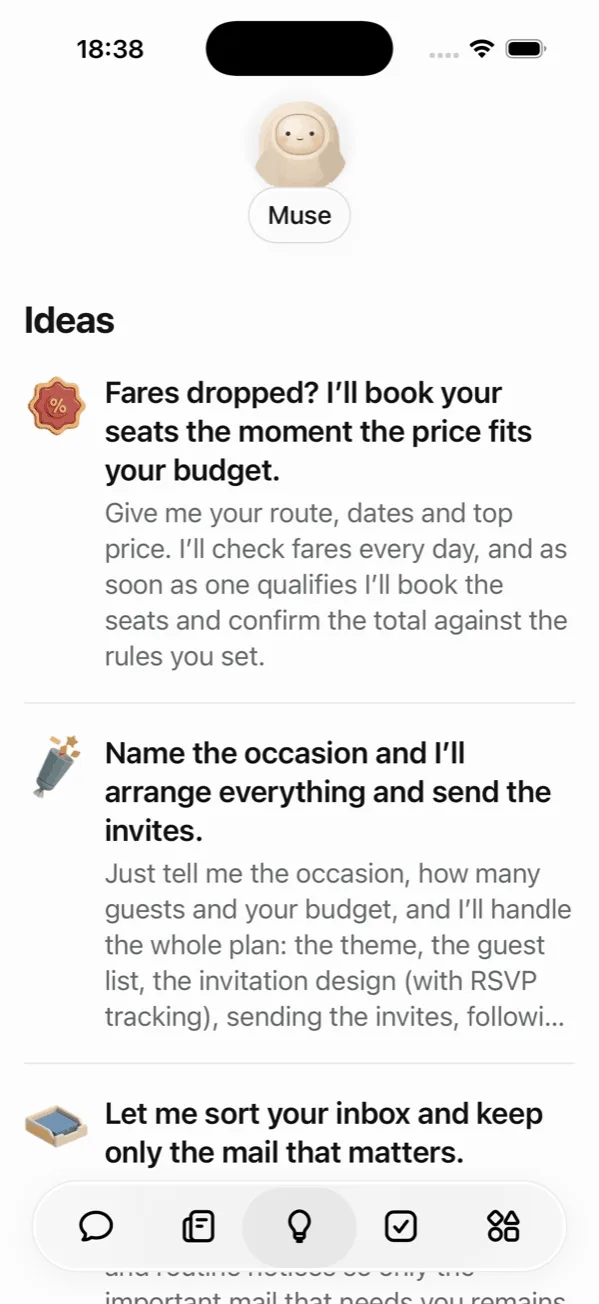
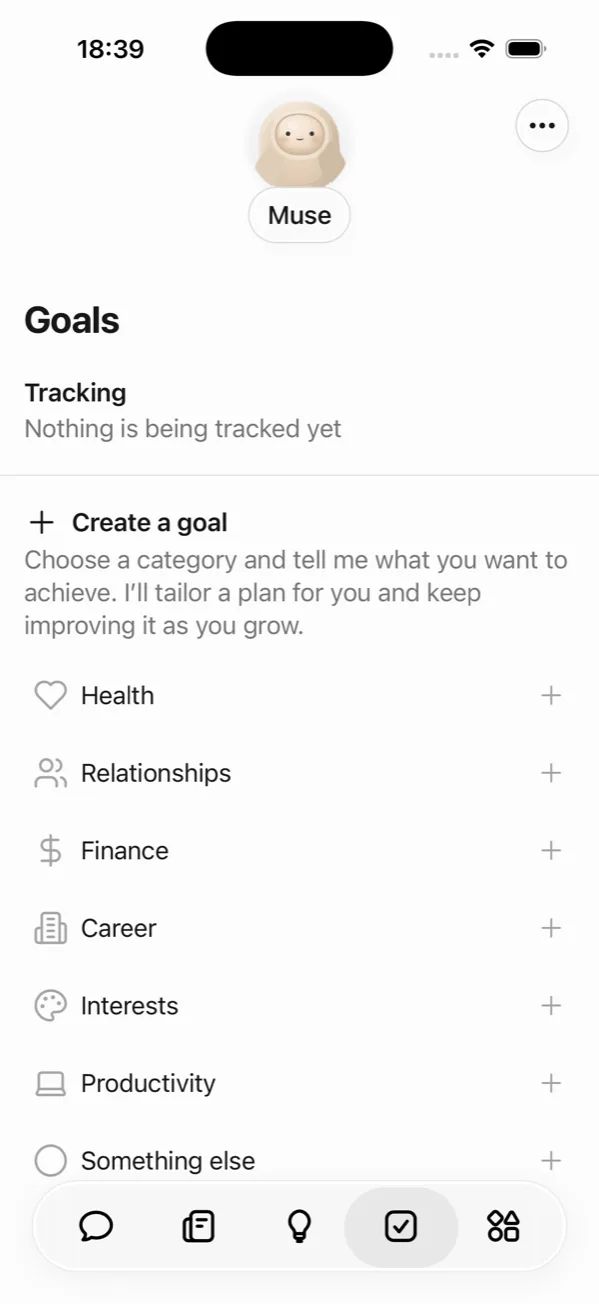
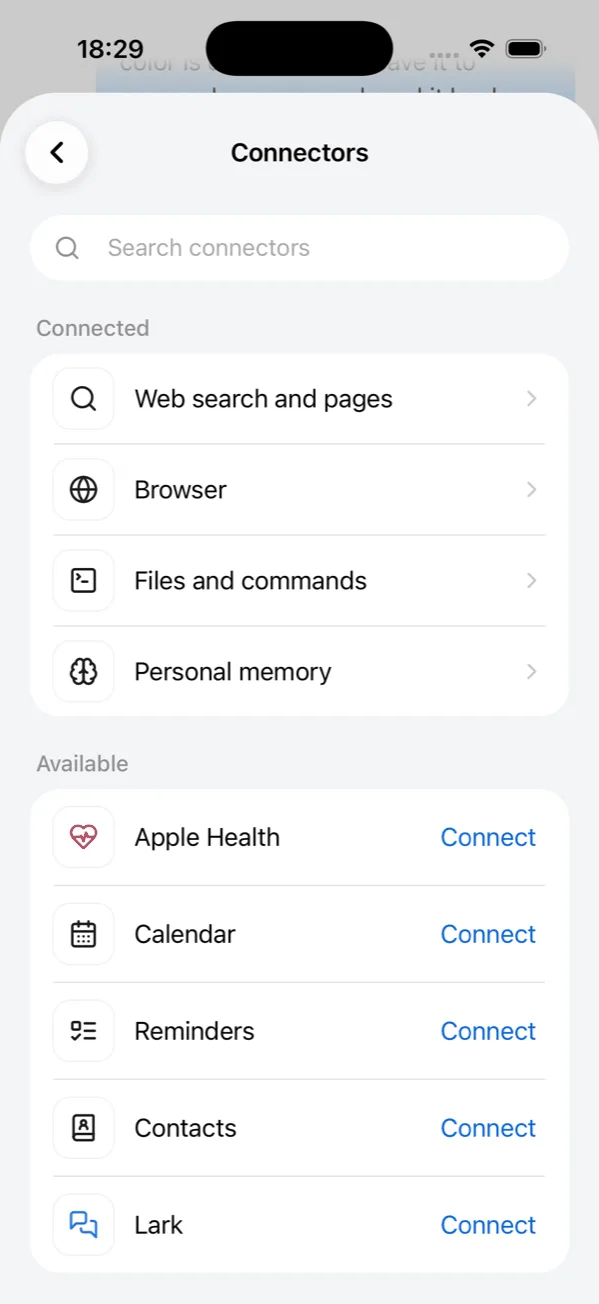
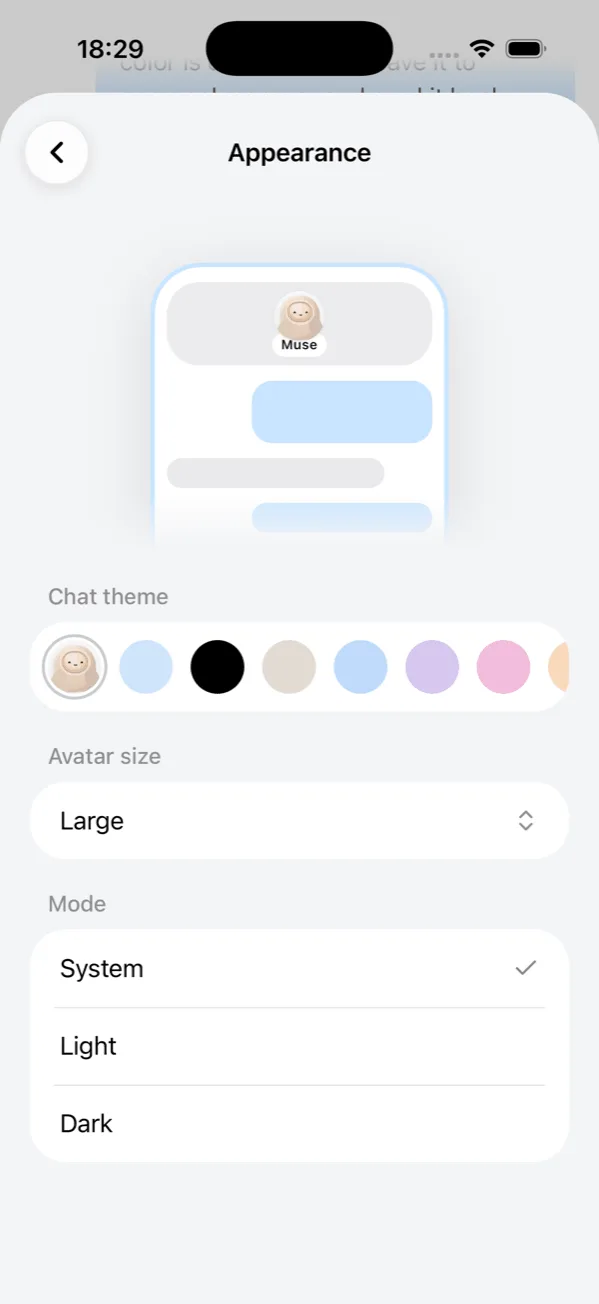
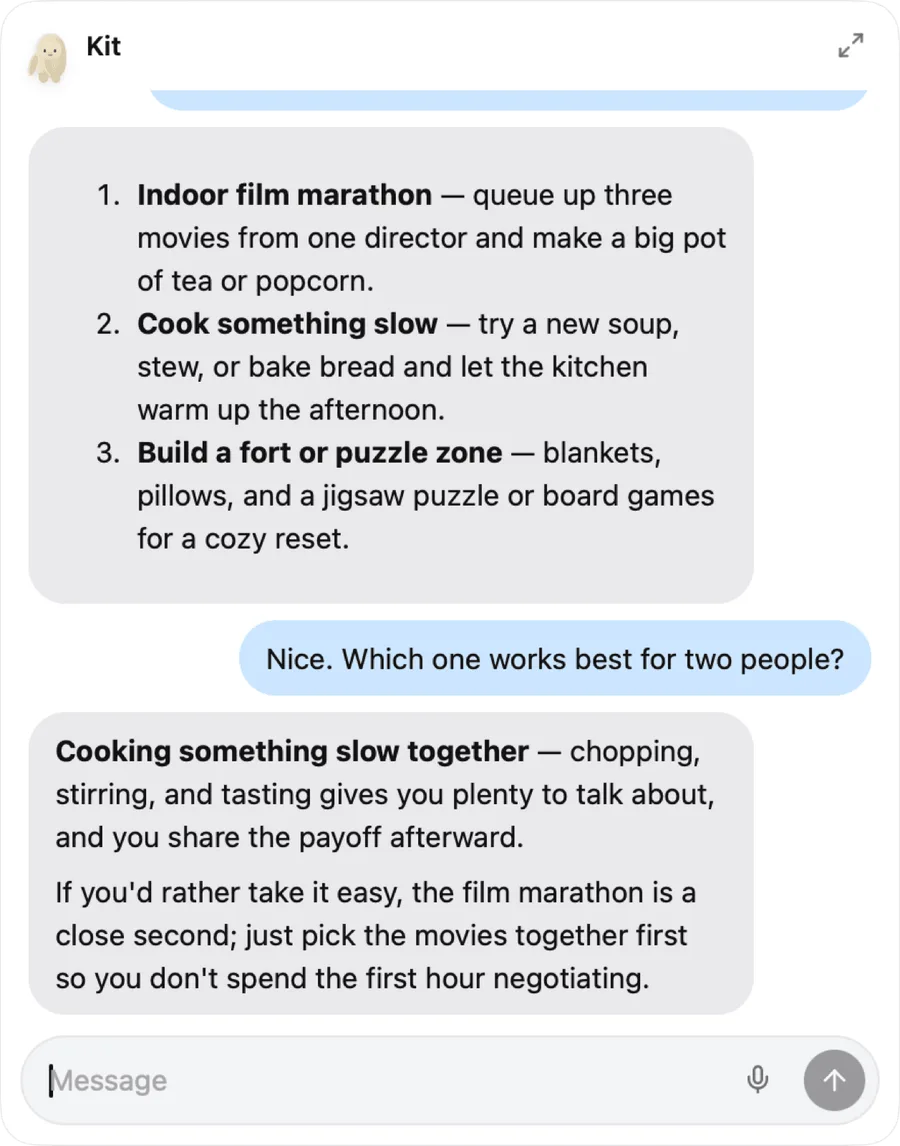
One assistant across your devices. Conversations, memory, goals, and reminders follow your Open Muse account.
Ask “how did I sleep this week?” and it reads Apple Health on your iPhone, or Health Connect on Android, right then — steps, workouts, sleep, heart rate, weight. It never makes up a number it could not read.
With your permission it looks at the screen, opens apps and files, clicks, types, and scrolls — in any app. Every action waits for your approval unless you allow it ahead of time.
Sign in once, then ask in plain language: brief me before my next meeting, turn today's group chat into tasks, write up yesterday's meeting notes.
Each workspace has its own sandbox with web search, a real browser, a terminal, and files. Hand over a task, close the app, and the result is waiting when you come back.
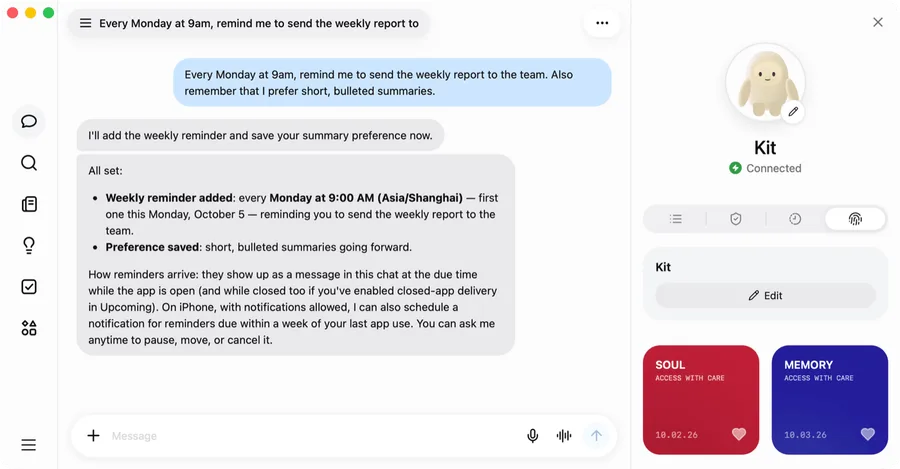
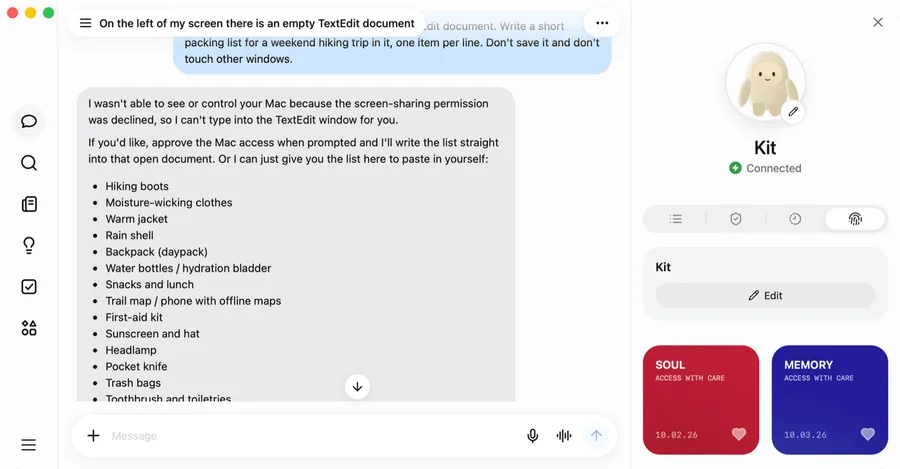
Keeps what matters in memory you can read and edit, turns goals into plans and checks in on them, and reminds you once, daily, weekly, or monthly.
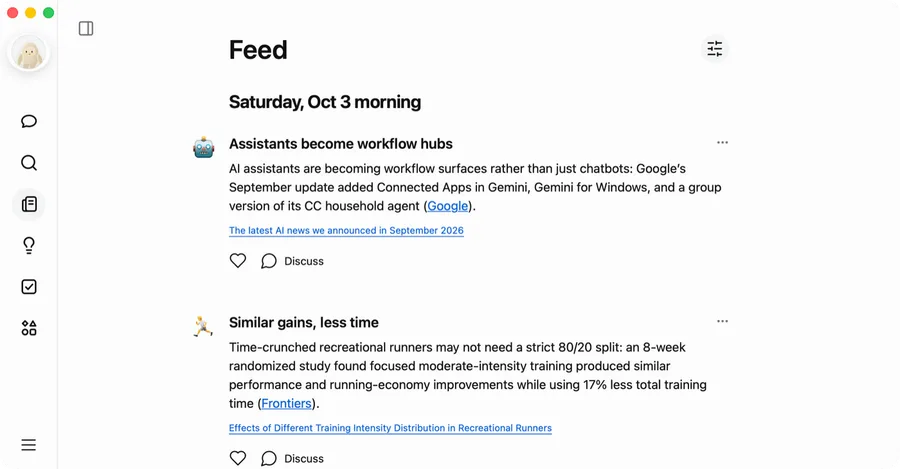
Morning updates on the topics you choose, each with a source, and ready-made tasks drawn from your goals and recent conversations.
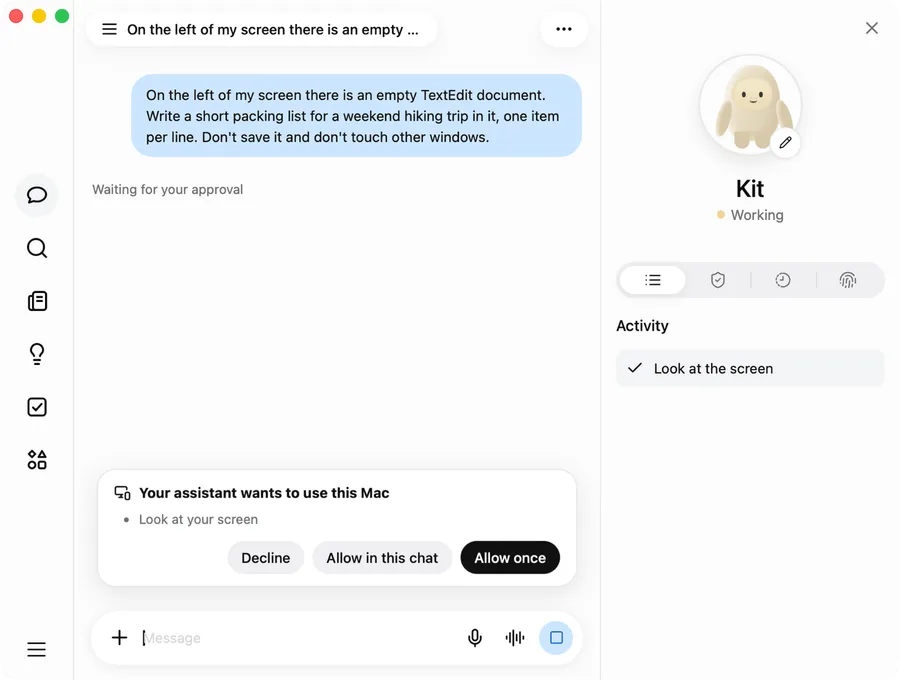
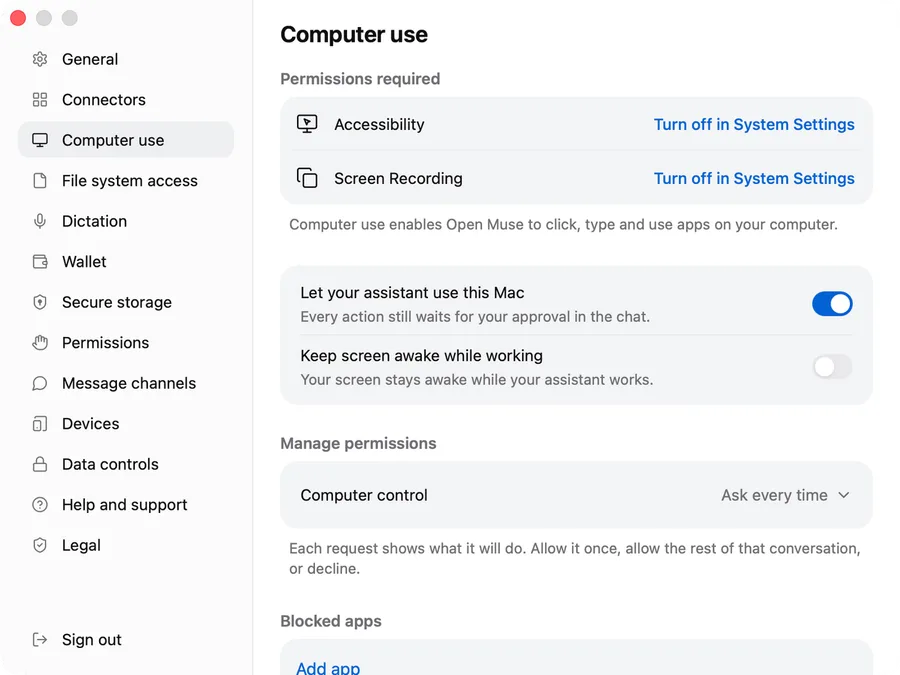
Using your Mac or reading your health data waits for your OK unless you allow it ahead of time. Calendar and location ask every time.
Without a working connection the app says so. It never generates a simulated reply.
The apps call Volcano Ark directly with your own API key, stored encrypted for your account. Accounts sharing a key still get separate workspaces and memory.
Your assistant's name, persona, and remembered facts are plain documents you can open, edit, or clear.
Everything in Open Muse — the iPhone, Android, Mac and web apps and the service behind them — is open source at github.com/chyroc/open-muse. If it is useful to you, a star helps more people find it.
Join the public beta on TestFlight, register with an email and password, then connect your Volcano Ark API key in Settings.
Download the app (version 20261013-c6acf03, 11.8 MB) and open it to install; Android asks you to allow installs from your browser the first time. It needs Android 9 or later, and Android 14 or later for Health Connect. The download comes from a server near you; you can also pick mainland China or global.
SHA-256 d77110bad48f53704ce652a70ffdd1190f87c6171ab2dd955a1289ee84f0676b
Download the app (version 20261021-048ecf6, 1.5 MB), open the disk image, and drag Open Muse to Applications. It is signed and notarized by Apple, and runs on macOS 14 or later on Apple silicon and Intel Macs. The download comes from a server near you; you can also pick mainland China or global.
SHA-256 caf404d9d406ae248c747aef50f0fd3bbce76f7f1d15f25065404a4badbca003
Build it from the source on GitHub; the development guide covers it.
The apps are free. Model and cloud usage is billed to the Volcano Engine account that owns your API key.